


You can build a B2B customer portal with AI—but you still need developer skills to troubleshoot, secure, and scale it. A developer using AI can launch a portal in 4–8 weeks. Without that experience, expect months of trial and error. For a portal your customers will use, bring in developer support.
What is a B2B customer portal?
A B2B customer portal holds information on products and pricing. Customers place orders through the portal and can view past orders and recurring orders in one place.
The benefits of building a custom B2B portal
You can pay for off-the-shelf portals (like Shopify B2B, BigCommerce B2B Edition, and OroCommerce) that provide many of the customer tools a B2B portal needs. However, these portals often require plug-ins and integrations to fulfill many of the tools businesses commonly need, like inventory management, pricing tiers, and agent commissions.
With a custom portal, businesses choose exactly what features they need—and get those built into the portal. Aside from integrations breaking, a custom portal allows for:
- Fewer manual updates and processes
- Immediate synchronization of data
- Automated revenue calculations and commission payouts
- Onboarding guides and custom tutorials for customers
- A single source of truth with real-time data
The best part is, a well-built portal allows for growth and additional functionality as your business expands. This flexibility prevents bottlenecks that would otherwise hold back company growth.
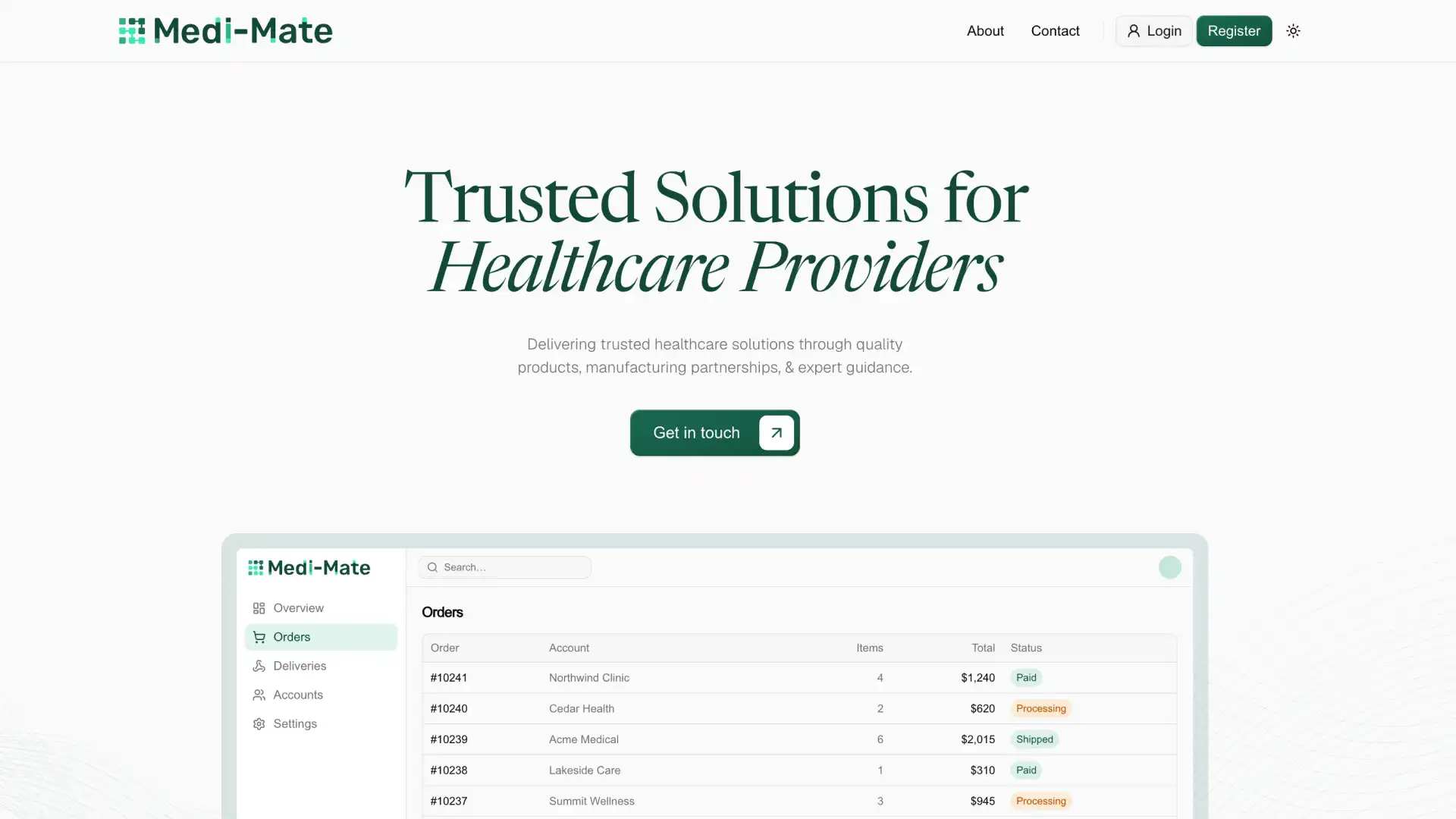
Medi-Mate, a healthcare distributor company, saw a 62% increase in client accounts within 14 weeks of launching their custom portal.
The prerequisites needed (yes, even with AI)
Custom portals can be powerful tools for growing companies. So can you use AI to build a B2B portal?
Yes, it’s possible to build a custom portal with assistance from AI. You still need developer skills and context to build a successful customer portal.
When building complex software, AI can quickly break things, run into issues it can’t resolve, and leave out foundational elements (like security or scalability).
As an example, this designer built a B2B SaaS tool with AI-generated code—and regularly called on developers to help work through problems that AI could not solve. Keep in mind that a designer already works very closely with developers, and comes from a good starting point. In the end, this project was only used by family members and was never tested on a large scale.
To build a product that will regularly be used by customers, it’s a good idea to know exactly how something is built. This way you can prevent breaking the software (and actually know how to fix it if it does break!).
How to use AI to develop custom portals: tools and tech stack
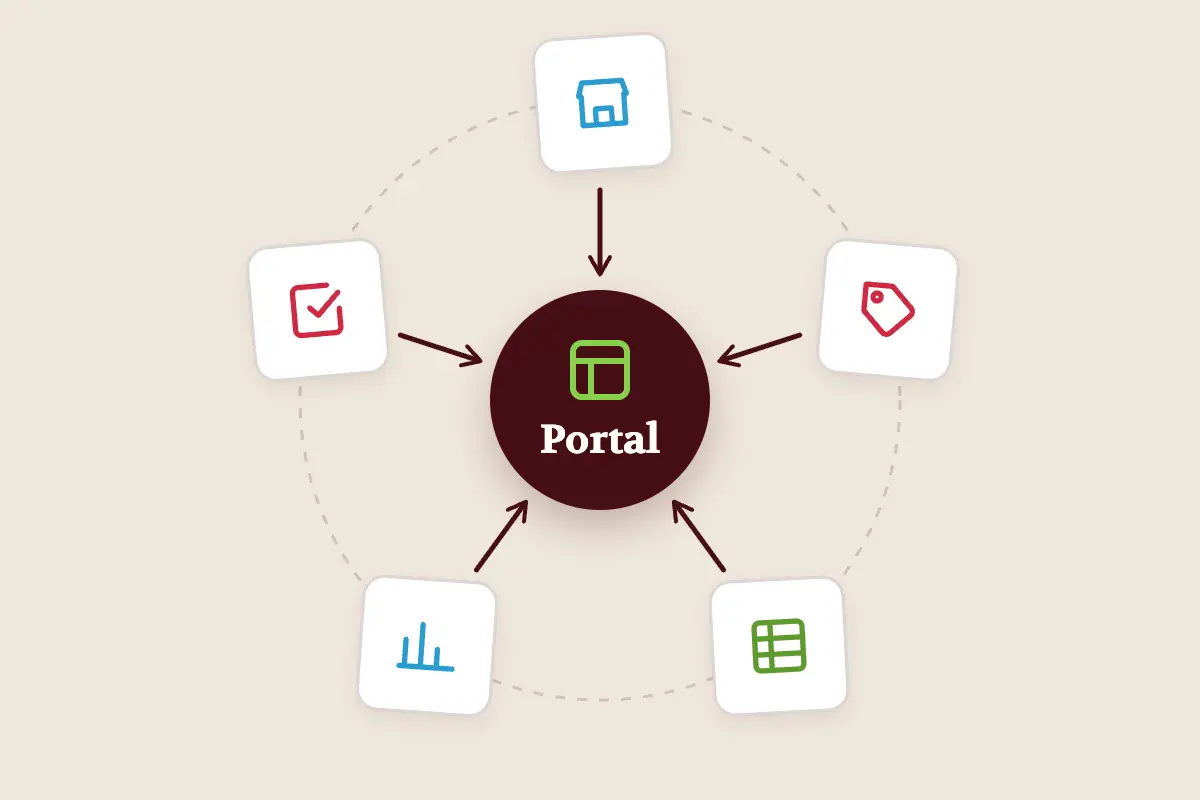
To get started with your portal build, you need to start by outlining the needs and capabilities of your portal. From there, you can choose a tech stack that will accomplish your portal needs. Here are some of the primary categories of tools you will need to choose from when building a customer portal:
Security and payments add an extra layer of complexity. For B2B companies that need SOC2 compliance, expect to pay $599/month or more (the cost of Supabase’s Team plan that comes with SOC2 compliance support, as of October 2026).
Top 5 risks from building B2B software with AI
As you build, learn as much as you can about software development. You need all that knowledge to guide AI as it comes across issues or doesn’t fulfill a primary need of the software (like security).
AI needs guidance to produce functional products. If you do not have an experienced “Development Manager,” you may run across these issues:
- Bugs: Recurring issues and errors that AI can’t untangle
- Outages: Portal is suddenly offline—and AI doesn’t know why
- Data leaks: Giving AI access to a portal allows it access to data—the wrong set up or settings could make your data public or easy to hack
- Software dependency: Pricing can change or your needs can change—if you’re unable to switch software without breaking something, you have a problem
- Inability to scale: As your company grows, the portal can get messy, slow, or difficult to use as more users join
The bottom line? If you don’t understand how something works, it’s hard to fix it when it breaks. Giving AI tools complete control over your business is very risky if you have paying customers.
DIY, hybrid, in-house, or agency: which approach fits?
If you’re building something that only you or a couple of teammates will use, a DIY build with AI tools can be a great way to jumpstart a custom software tool.
If customers are going to use a portal, it’s best to get support from developers. Here’s a table that shows exactly when we recommend going DIY, hybrid, in-house, or working with an agency:
Evaluating your goals and business growth
If you have some developer knowledge and are just starting out, a custom portal can provide the exact features you need—without costing a lot. Just don’t spend too much time working on a product you will probably need to upgrade down the road.
If you have a growing company and want to see a custom portal improve efficiency, the customer experience, and security, your best bet is to work with an agency. At Arrival, we work with you to identify the tools and features that will most benefit your company, while leaving room for future tools and growth. Our goal is to give you a quality product that can grow with your company.
If you’re interested in learning more about how a B2B customer portal could help your business, schedule a free 15-minute call with us.
Frequently asked questions about building B2B customer portals with AI
Can I build a portal with AI for free?
Not for a customer-facing portal. Most AI tools require a paid subscription for larger projects like a portal. Expect to spend roughly $90–150 per month for one builder or $200–300 per month for a small team of three to five people. This covers the cost of popular tools like Cursor, Lovable, Supabase, and Vercel. If your customers require SOC2 compliance, Supabase’s compliant plan starts at $599/month (as of October 2026).
How long does it take to build a B2B portal with AI?
A developer who uses AI to assist in building a B2B portal can launch a complex, fully-functional portal within 4–8 weeks. For reference, the Arrival team launched Medi-Mate’s portal in roughly 6 weeks. For someone with no developer experience, a custom portal may take many months of troubleshooting, refining, and testing to produce a usable product. That’s because those developer skills are being learned in real-time.
Is an AI-built portal secure?
Not for a customer-facing portal. AI-built portals come with unique security risks. AI can write insecure code without warning you, so every AI-built portal needs a developer’s security review. It is possible for an AI-built portal to be secure, but it requires oversight and review.
Can AI maintain the portal after launch?
AI can maintain some aspects of a portal after launch, but you still need a developer to monitor updates, security, and any potential issues. Keep in mind that if AI has access to your portal, it may also have access to customer data, payment info, and other information you need to protect.
Should I use an AI app builder or hire a developer to build a portal?
For a customer portal, it’s best to hire a developer to build the portal. Having a portal shut down unexpectedly—and being unable to fix it yourself (even with AI)—can destroy trust in your clientele. If you’re building a portal for personal use, AI can be a great way to build something custom without costing a lot. Just keep in mind that it is a significant undertaking, even with AI!
.svg)

